
SteelSeries Sonar vs Logitech G Hub vs Razer Synapse
Sonar, G Hub, and Synapse are PC mixers. The headset still plays audio if the app is closed.
Sonar, G Hub, and Synapse do three jobs on PC: EQ, spatial processing, and firmware or mic effects. None of them is the audio driver that makes a USB headset produce sound. Close the app and the headset still enumerates as an output device. What you lose is the processing you configured inside that app.
Install the app that matches the headset you own. Do not install the other two hoping for a universal mixer. They do not drive each other’s hardware.
SteelSeries Sonar
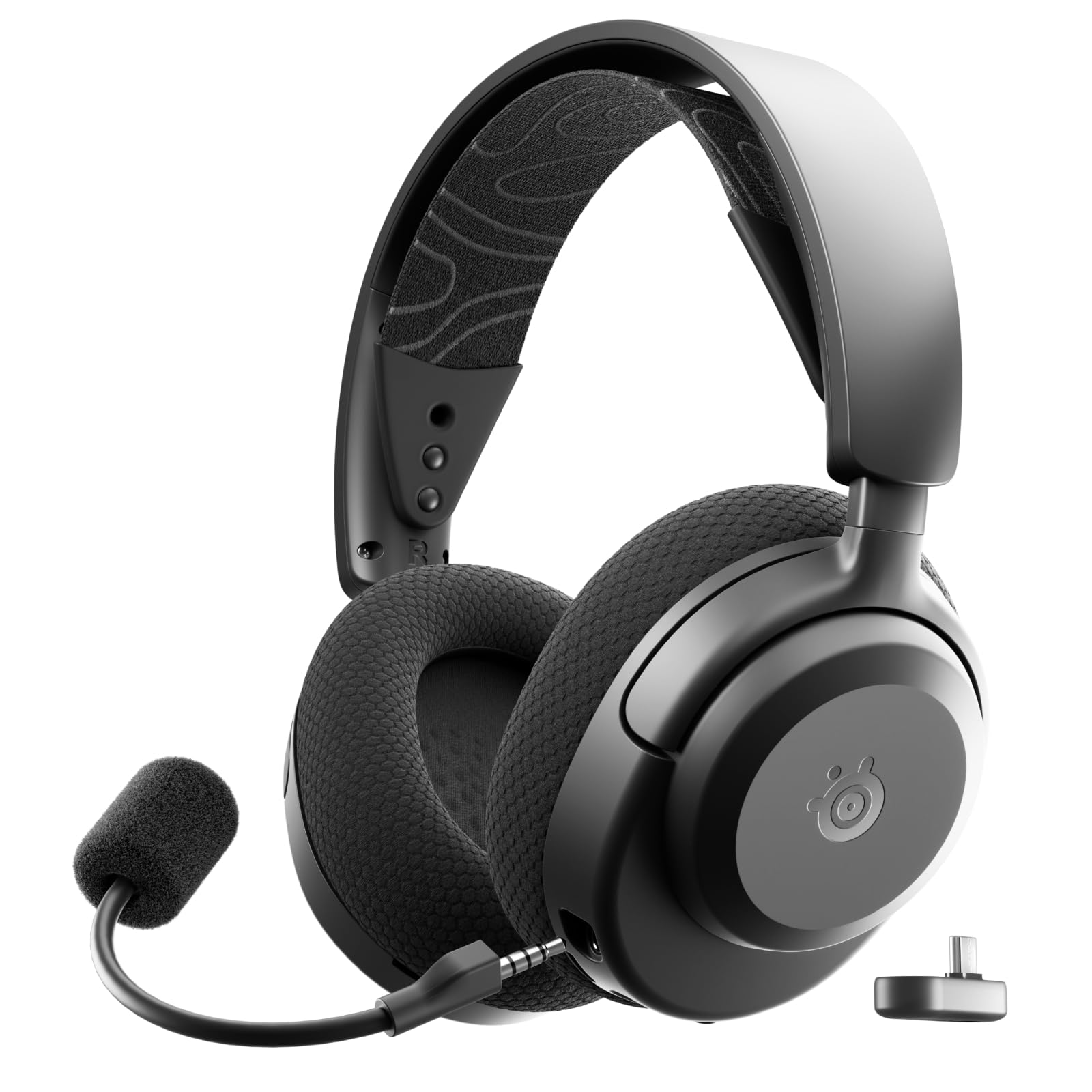
Sonar ships inside SteelSeries GG. On the Arctis Nova 7 Gen 2 it is a 10-band parametric EQ, a mix for Game, Chat, Media, Aux, and Mic, and AI noise suppression on the mic path. The Nova 1, at $59.99 and 3.5mm, gets the same PC EQ, which is a lot of software for a $60 headset and the main reason to own that model on PC.
The headset does not need Sonar to pass stereo from a game to the drivers. It needs Sonar for that EQ and for Sonar’s own spatial mode. Consoles never see the app.
A Nova 7 on PS5 is a 2.4GHz stereo device plus whatever Tempest is doing in the console. ChatMix on the earcup is hardware. It survives without GG open.
SteelSeries Arctis Nova 7 Gen 2
As an Amazon Associate, we earn from qualifying purchases. This helps support our detailed gear research and guide creation at no extra cost to you.
Leave Sonar spatial off when the game has a headphone mix. Warzone on Headphones, Arc Raiders on its own HRTF, and any competitive title that names a stereo or headphone output are already placing the sound. Sonar’s spatial pass places it again. The result is a wider, blurrier image and a setting that is easy to forget is on.
Logitech G Hub
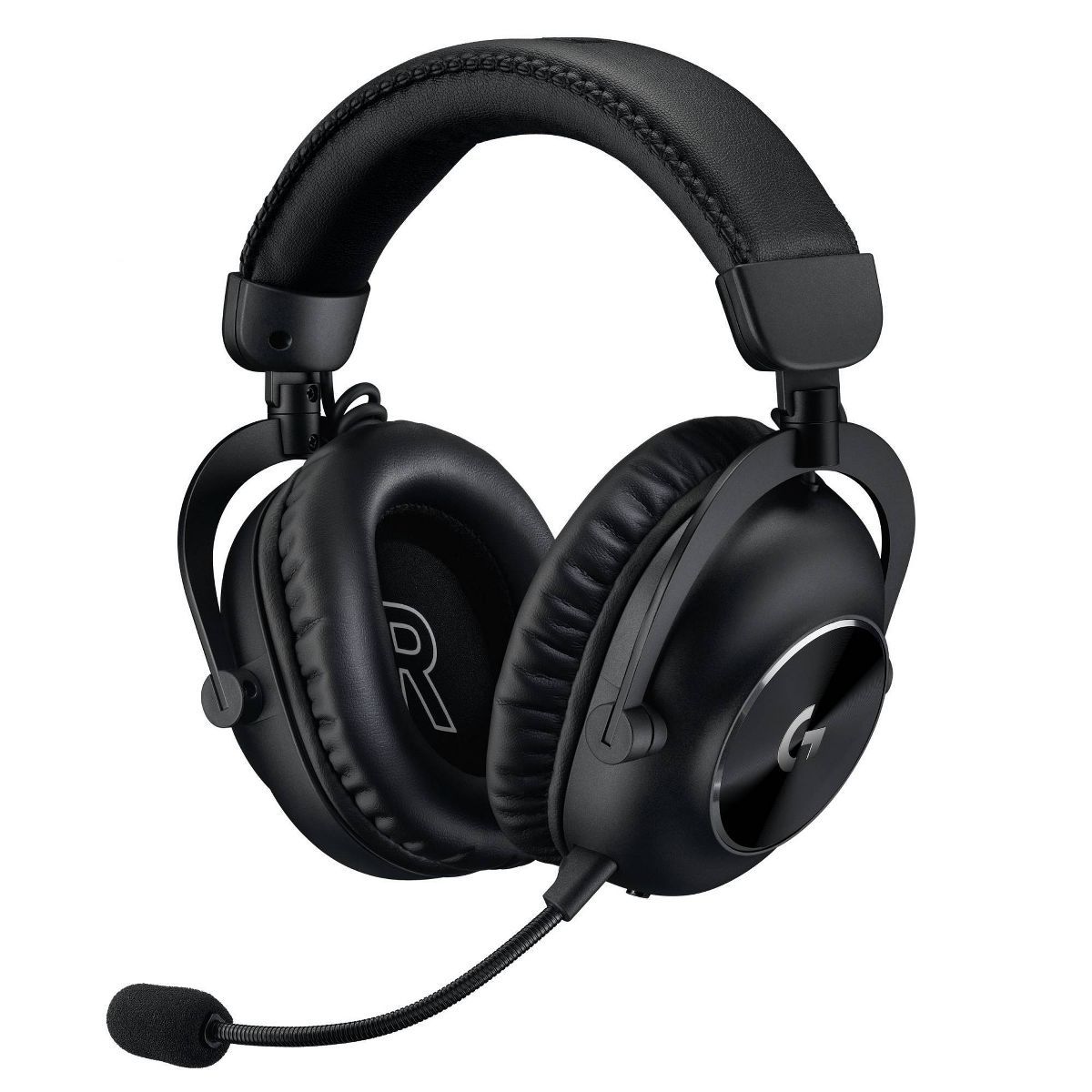
G Hub is the path for EQ, DTS Headphone:X, Blue VO!CE, and firmware on Logitech and Astro gear that supports it. The Pro X 2 Lightspeed uses it for DTS and EQ on the 50mm graphene drivers. The A50 Gen 5 and A50 X use it for firmware and presets, including Footsteps, and for unsticking a base station that has fallen out of sync with the headset.
Basic USB audio still plays with G Hub quit. You lose the EQ, the DTS spatializer, mic processing, and the ability to update firmware. That last one matters on the A50 dock more than it matters on a simple dongle headset. If the dock is blinking and the headset is seated, G Hub is the repair tool, not a permanent resident that has to sit in the mix.
Logitech Pro X 2 Lightspeed
As an Amazon Associate, we earn from qualifying purchases. This helps support our detailed gear research and guide creation at no extra cost to you.
The G321 LIGHTSPEED is the counterexample in the same brand. It is $59.99, 2.4GHz or Bluetooth, and it has no G Hub support at all: no custom EQ, no onboard memory, no mic monitoring. Owning Logitech software does not upgrade a Logitech headset that was built without the app. The tuning is whatever left the factory.
Logitech G321 LIGHTSPEED

As an Amazon Associate, we earn from qualifying purchases. This helps support our detailed gear research and guide creation at no extra cost to you.
DTS Headphone:X inside G Hub is a spatial layer. Turn it off when the game is already on a headphone mix. One renderer. The Pro X 2’s 50-hour battery and 25ms listed latency do not improve because DTS is enabled. They also do not require the app for the dongle to connect.
Razer Synapse
Synapse 4 is EQ, mic controls, and THX Spatial Audio for sets like the BlackShark V3 Pro. THX on that headset is 7.1.4 processing on PC. Stereo from the 50mm drivers is intact with THX disabled, and the product notes say the stereo image is already precise. THX is optional width, not a fix for a bad mix.
The V3 Pro can store pro-tuned EQ presets on the headset. A LAN PC or a second machine without Synapse installed can still use the profile you saved. That is the practical difference versus Sonar and G Hub, which keep more of the mix inside the running app. Firmware and new presets still want Synapse at home.
Razer BlackShark V3 Pro

As an Amazon Associate, we earn from qualifying purchases. This helps support our detailed gear research and guide creation at no extra cost to you.
Synapse does not run on Xbox or PlayStation. A BlackShark that is not even an Xbox headset in this catalog has nothing for Synapse to do on a console. If you bought the V3 Pro for PC, install Synapse once, save the EQ, then decide whether THX stays on. Default it to off for any game that lists a headphone or HRTF mode.
What to run, and what to leave off
| App | Headset examples | You get with it open | You keep with it closed |
|---|---|---|---|
| Sonar (GG) | Nova 7 Gen 2, Nova 1 | 10-band EQ, channel mix, mic noise suppression, Sonar spatial | Stereo audio, hardware ChatMix |
| G Hub | Pro X 2, A50 Gen 5, A50 X | EQ, DTS Headphone:X, Blue VO!CE, firmware | USB or LIGHTSPEED audio |
| Synapse 4 | BlackShark V3 Pro | EQ, THX Spatial, mic controls, firmware | Stereo audio, EQ saved on the headset |
Do not stack Sonar spatial, DTS, and THX with an in-game headphone mode. Pick the game’s mix, or pick one app, and disable the rest. Windows spatial sound counts as another layer on PC. Turn that off too when the game is handling position.
Console play can ignore all three apps. The processing they advertise is a PC feature. Paying extra for a headset because the box shows Sonar, G Hub, or Synapse is only rational if you will use the EQ on PC. A PS5 or Xbox does not open those windows.
Skip Sonar if you do not own a SteelSeries headset. Skip G Hub if the Logitech you bought is a G321 or another set with no software support. Skip Synapse if you needed a mixer for an Astro dock. The apps are brand-specific, and a second one in the tray is how a clean headphone mix turns into two spatial engines fighting over a footstep.

Richard Scott
Headset Expert & Web Developer
Web developer and lifelong gamer. Spends too much time on golf, hockey, and finding the right headset. Lives with a dog who has no opinions on audio quality.