Best Audio Settings for Warzone
Warzone footsteps get buried by music and a bass-heavy mix. Fix the sliders before you buy another headset.
Warzone’s default mix is built for a trailer: music up, bass thick, effects competing with dialogue. Footsteps live in the mids and lose that fight. Change the mix first. A new headset on the same sliders reproduces the same problem with a higher price.
In-game mix
Set Audio Mix to Headphones. TV, home theater, soundbar, and Headphones Bass Boost all add energy you do not need for direction. Bass Boost is the one that sounds better in the menu and worse in a building, because it lifts the range that masks shoes and reloads.
Music Volume goes to 0 during a match. Effects Volume stays at 100. Dialogue Volume starts at 50 so contract callouts and teammate lines still exist without sitting on top of movement. If a ping or a hit marker covers a step, drop that marker volume before you touch the master. Master volume is whatever keeps you from clipping the headset, not a substitute for the mix.
Warzone
Optimal Audio Configuration
 source: goopfinder.com
Audio
These are starting points for the headphone mix, not a second equalizer. The competitive FPS EQ guide already describes a low-end cut and a high-mid lift for other shooters. Do not stack that same boost on top of a Warzone mix you have already tilted toward effects. One correction is enough. Two on the same band turns footsteps into hiss.
One spatial layer
Warzone should render position once. On PC, Headphones in-game means Windows spatial sound stays Off, and Sonar, G Hub, and Synapse surround stay Off. Those apps are a second HRTF. They smear the one the game just calculated.
On Xbox, pick Dolby Atmos for Headphones or Windows Sonic, not both, and not Atmos plus a virtualizer stored in a headset profile you configured on PC. On PS5, Tempest is the spatial engine. A PC spatial app does not improve it and is not in the path unless you are on a capture setup you built yourself.
If the image feels narrow after this, the mix is still wrong or the headset is bass-heavy. Adding THX, DTS, and Atmos on top of Headphones will not sharpen a step. It will add delay and a halo around it.
Closed-back headsets with clear mids
Open-back sets image well and leak into a room. Warzone at night in a shared space wants a closed shell. The driver still has to keep mids available when something explodes.
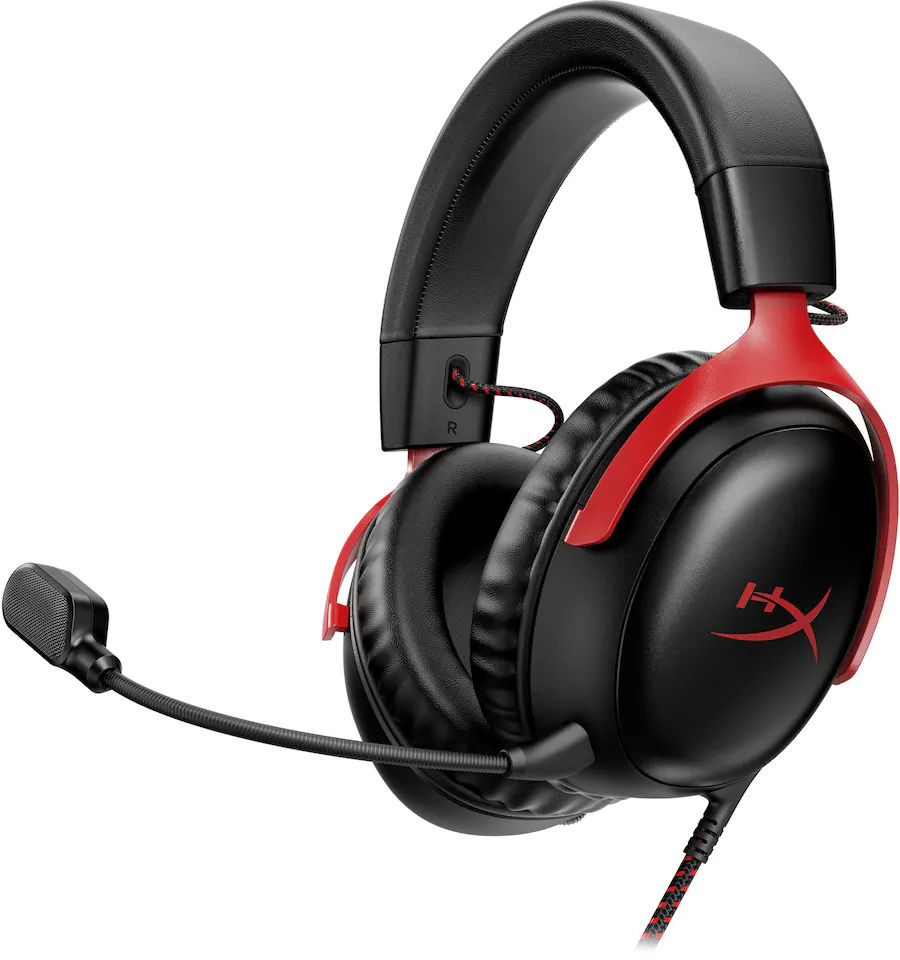
HyperX Cloud III
As an Amazon Associate, we earn from qualifying purchases. This helps support our detailed gear research and guide creation at no extra cost to you.
The Cloud III is $99.99, 308g, 53mm, closed-back. The tuning is controlled in the low end and clear through the mids, which is the Warzone balance. USB or 3.5mm both work. Leave DTS off on the USB path while the in-game mix is Headphones. The wired connection removes battery and radio from the round.
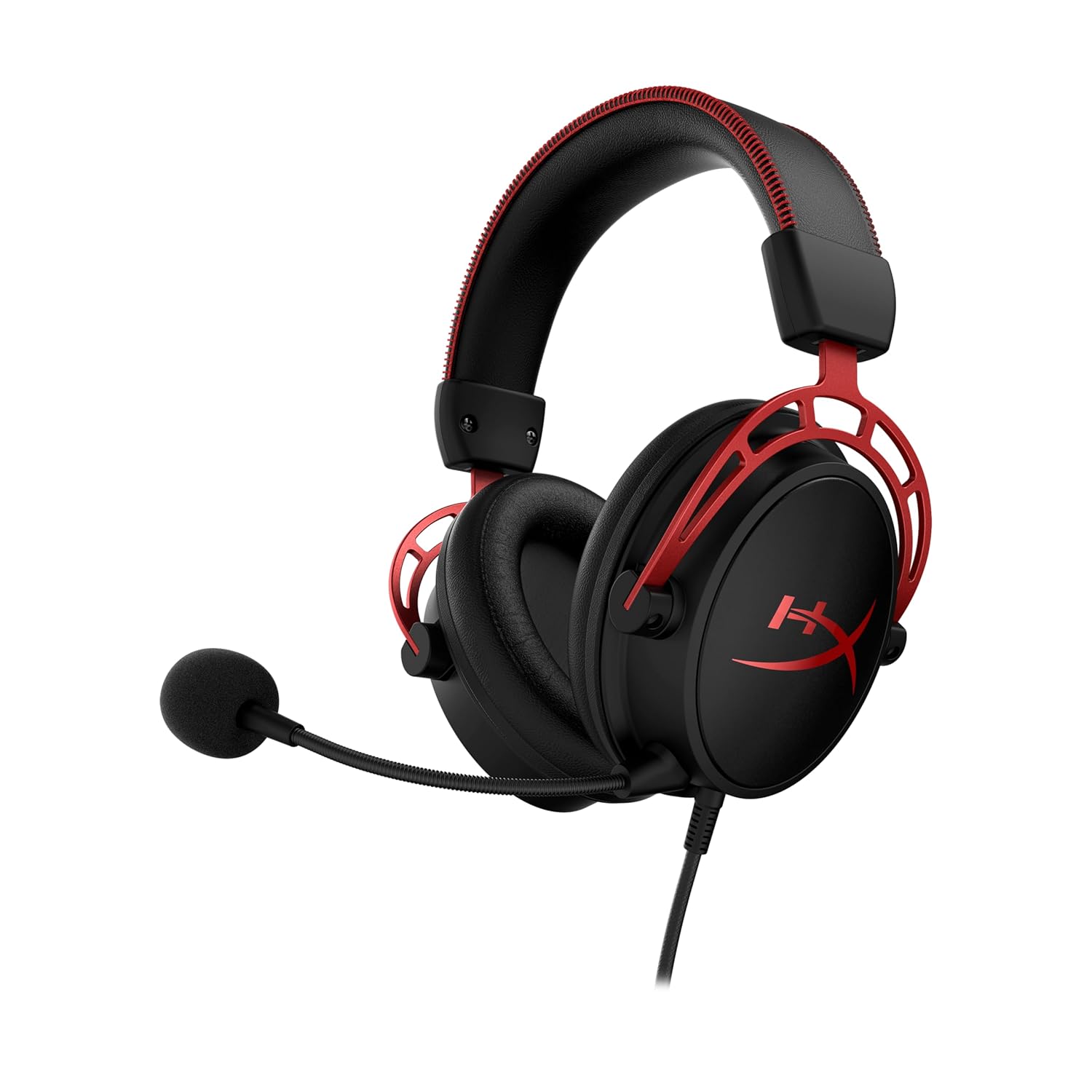
HyperX Cloud Alpha
As an Amazon Associate, we earn from qualifying purchases. This helps support our detailed gear research and guide creation at no extra cost to you.
The Cloud Alpha is $79.99 with 50mm dual-chamber drivers. Bass has its own chamber, so it hits without sitting on the mids the way a single cheap driver does. It is 3.5mm stereo only. That is an advantage here: there is no virtual surround hiding in a dongle. Controller jack or PC jack, same mix.
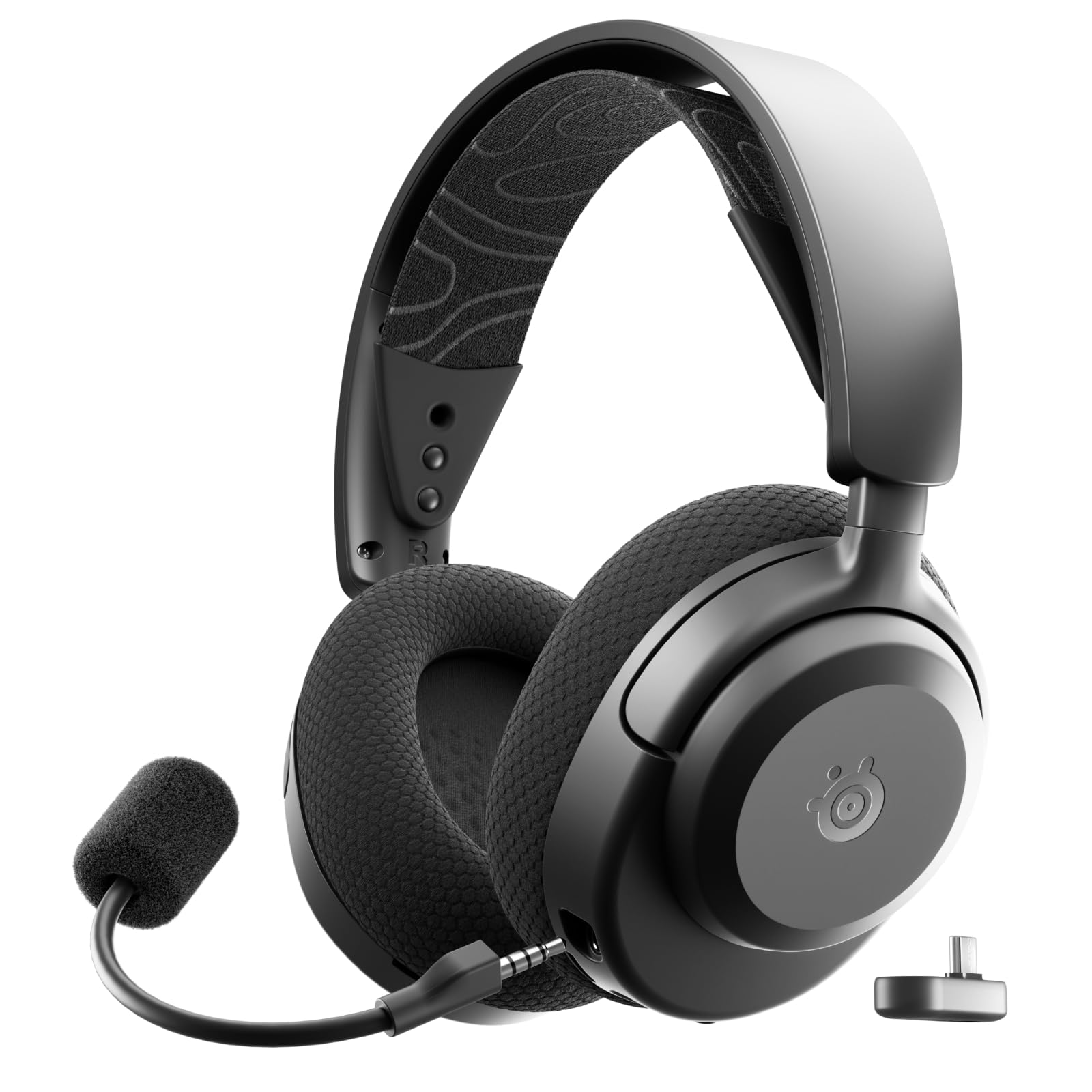
SteelSeries Arctis Nova 7 Gen 2
As an Amazon Associate, we earn from qualifying purchases. This helps support our detailed gear research and guide creation at no extra cost to you.
The Nova 7 Gen 2 is the wireless option, at $199.99, 326g, 54 hours, 18ms on 2.4GHz. The 40mm drivers favor mids and highs. Use the 2.4GHz dongle, not Bluetooth. In Sonar, keep spatial processing off and do not load a bass-heavy preset over the in-game Headphones mix. This model is PC and PlayStation, not the Xbox 7X.
ANC headsets, including the BlackShark V3 Pro and the Nova Pro line, should run with ANC off for this game. The processing is built to flatten room noise, and it is one more stage in front of a transient. A quiet room does not need it.
Set Headphones, music at 0, effects at 100, dialogue at 50, and a single spatial format that matches the platform. Play a match before you buy anything. If steps are still gone, then look at the Cloud III or Cloud Alpha, or the Nova 7 Gen 2 if the cable is the actual objection.
Skip this setup if you play Warzone on TV speakers. The Headphones mix will sound small on a soundbar, and that is the wrong fix. Skip a new headset if the music slider is still at default.

Richard Scott
Headset Expert & Web Developer
Web developer and lifelong gamer. Spends too much time on golf, hockey, and finding the right headset. Lives with a dog who has no opinions on audio quality.