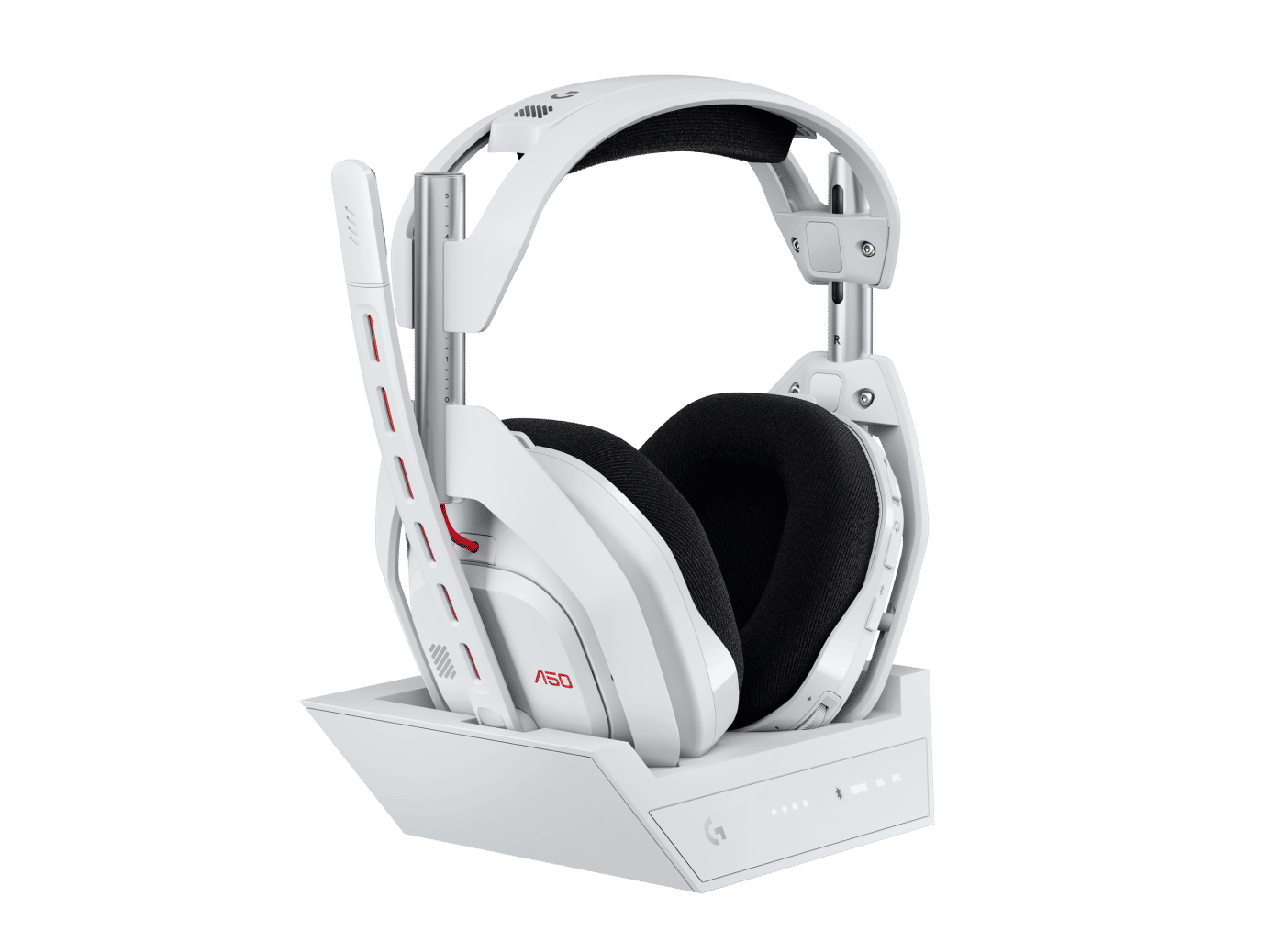
Astro Gaming Astro A50 Gen 5
Multi-platform wireless gaming headset featuring PLAYSYNC audio switching, 40mm PRO-G Graphene drivers, magnetic charging base station, 48 kHz microphone, and simultaneous three-platform connectivity via USB-C.
- Wireless
- 40mm Graphene Drivers
- Fixed Boom Mic
- 363g
*Affiliate Link: We may earn a commission from qualifying purchases.
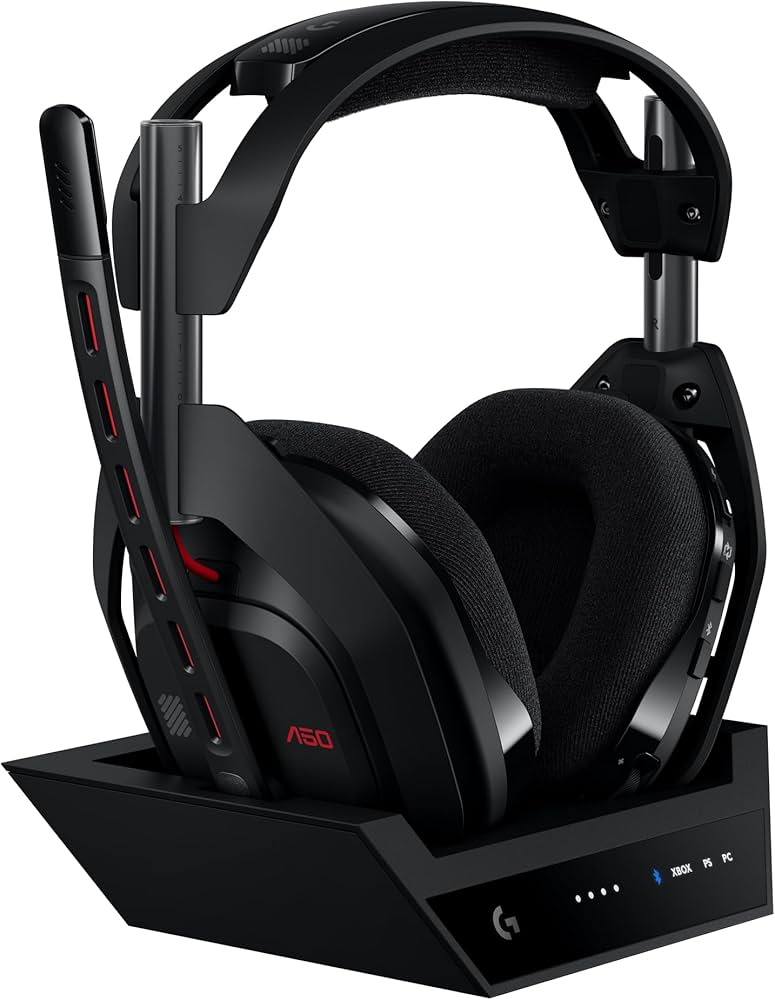
Community Evaluation
Performance Tiers
Community consensus based on aggregated review data.
Fit Recommendation
Optimized for ergonomic comfort over long sessions.
Based on long-term clamping force, headband expansion, and cup depth volume.
Review Consensus
Aggregated from 450+ verified sources.
Technical Specifications
Audio
Connectivity
Microphone
Build & Features
Overview
The Astro A50 Gen 5 (October 2024) is Logitech’s refined multi-platform solution for gamers who want the audio excellence of the flagship A50 X without the HDMI switching complexity. Priced at $299.99, it features PRO-G Graphene drivers, LIGHTSPEED wireless, and a broadcast-quality 48 kHz microphone.
The standout feature is PLAYSYNC AUDIO, which allows seamless switching between Xbox, PlayStation, and PC via three USB-C ports on the base station. This modernizes the experience for current-gen consoles while delivering high-resolution 24-bit audio on PC.
Key Features
- PLAYSYNC AUDIO: Instant one-button switching between three connected platforms (Xbox, PS5, PC) via USB-C.
- PRO-G Graphene Drivers: 40mm drivers with graphene diaphragms for superior clarity, faster transients, and reduced distortion.
- 48 kHz Broadcast Mic: High-resolution flip-to-mute boom microphone capturing professional-grade vocal clarity.
- Magnetic Base Station: Serves as a wireless charging dock, multi-platform hub, and display stand.
- Dual-Device Mixing: Simultaneous Bluetooth 5.0 and LIGHTSPEED wireless for mixing mobile audio with game sound.
Audio Quality
The Graphene drivers deliver audiophile-grade performance with exceptional transient response. Bass is deep and textured without being muddy, while the midrange remains clear for critical voice communication. Treble is smooth and detailed, avoiding the harshness common in gaming headsets. While the soundstage is typical for a closed-back design, spatial accuracy is excellent for competitive play.
Comfort & Build
Inheriting the iconic Astro design, the Gen 5 features breathable microfiber ear cushions and a suspension headband system that excels during long sessions. At 363g, it feels balanced and sturdy, though the predominantly plastic build lacks the premium metal feel of some competitors. Magnetic ear pads allow for easy replacement, extending the headset’s lifespan.
Verdict
The Astro A50 Gen 5 is the perfect choice for multi-platform gamers who prioritize seamless switching and top-tier audio quality over HDMI video management. It offers the core performance of the flagship model at a more accessible price point.
Frequently Asked Questions
Based on community census data and common user queries, these are the most frequently discussed topics for this headset.
What's the difference between the A50 Gen 5 and the old Gen 4?
The Gen 5 (often referred to as the A50 X) replaces the traditional base station with a 'PlaySync' HDMI 2.1 hub. This allows you to toggle your entire monitor and audio between Xbox, PS5, and PC with one button. The drivers have also been upgraded to Graphene for better high-end clarity and faster response times.
Does the Gen 5 still have the headband popping issue?
The early Gen 4 models were notorious for the center headband piece popping out. The Gen 5 features a reinforced mechanical latch and a slightly wider bridge to distribute the tension. It is significantly more durable, though most users still recommend being careful when handling the headset by the ear cups.
Why is my base station blinking white/red?
This indicates a firmware desync between the headset and the base. To fix it, ensure the headset is firmly docked and perform a hard reset by holding the 'Game' and 'Dolby' buttons for 15 seconds. If the blinking persists, you may need to re-pair the device via the Logitech G HUB software on PC.
How do I get the best audio for Rainbow Six Siege?
Switch the base station to 'PC Mode' and use the G HUB mobile app to select the professional 'Footsteps' or 'Pro-Tuned' EQ preset. The Graphene drivers are particularly sharp at revealing metal-on-metal sounds and debris crunches, giving you a distinct advantage in tracking enemy movement through walls.
Can I charge the Gen 5 with a standard USB-C cable?
Yes. Unlike the older Micro-USB models, the Gen 5 has a direct USB-C port on the bottom of the right ear cup. You are no longer tethered to the charging dock if you want to play while charging, though using the dock remains the most convenient way to keep the battery topped up.
Support & Resources
Related Articles
More from Astro Gaming
Discover other headsets in their lineup

Astro GamingASTRO A20 X LIGHTSPEED