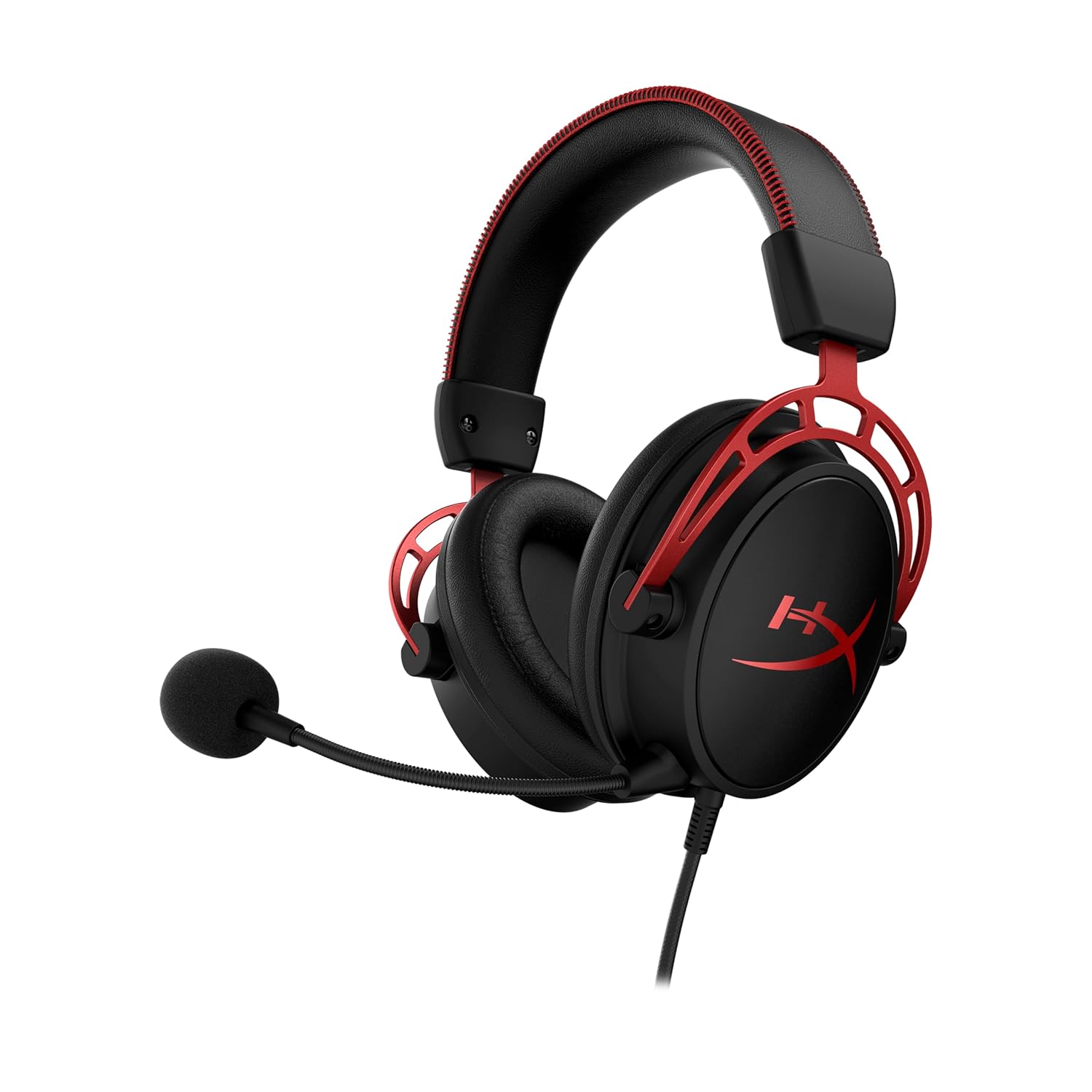
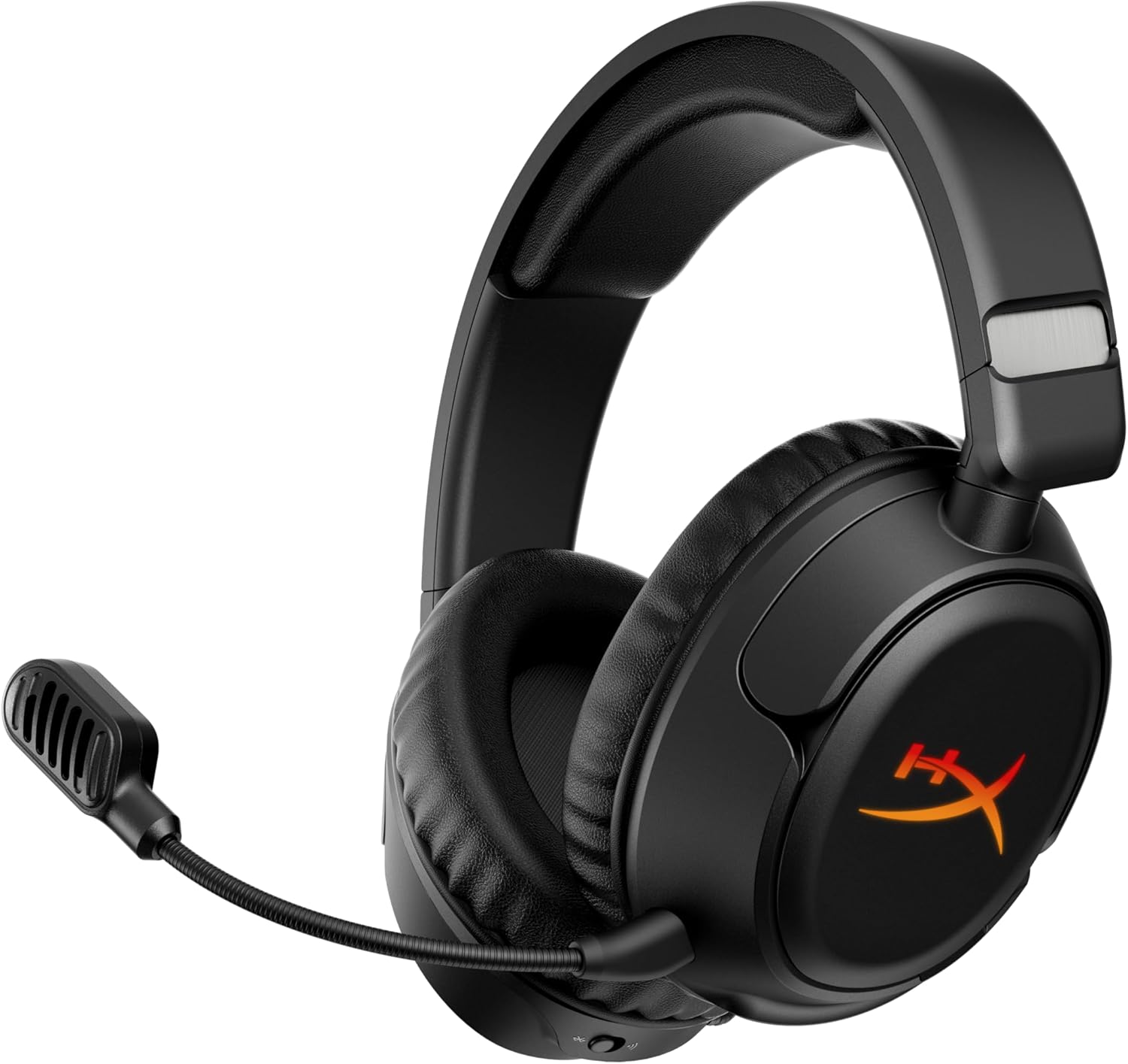
HyperX Cloud III Wireless
The HyperX Cloud III Wireless offers a staggering 120 hours of battery life and legendary comfort with reimagined 53mm angled drivers.
- Wireless
- 53mm Dynamic Drivers
- Detachable Boom Mic
- 342g
*Affiliate Link: We may earn a commission from qualifying purchases.

Community Evaluation
Performance Tiers
Community consensus based on aggregated review data.
Fit Recommendation
Optimized for ergonomic comfort over long sessions.
Based on long-term clamping force, headband expansion, and cup depth volume.
Review Consensus
Aggregated from 1600+ verified sources.
Technical Specifications
Audio
Connectivity
Microphone
Build & Features
Overview
Building on the legendary status of the Cloud II, the HyperX Cloud III Wireless focuses on what matters most: comfort, durability, and sound. The headline feature is the massive 120-hour battery life, which means you could game for weeks without charging.
Key Features
The 53mm angled drivers have been retuned for a more accurate sound profile compared to the bass-heavy predecessor. DTS Headphone:X Spatial Audio is included (on PC) for better immersion.
The 10mm microphone is clearer than previous generations and features an internal mesh pop filter and a built-in LED mute indicator so you know when you’re live.
Comfort
“HyperX Signature Comfort” isn’t just a marketing slogan. The memory foam in the headband and ear cushions is plush, and the clamping force is just right. The all-aluminum frame ensures it can take a beating.
Verdict
If you hate charging your headset and prioritize comfort above flashy features like RGB or simultaneous Bluetooth, the Cloud III Wireless is a reliable workhorse.
Frequently Asked Questions
Based on community census data and common user queries, these are the most frequently discussed topics for this headset.
Does the 120-hour battery life actually hold up?
Surprisingly, yes. In community testing, the Cloud III Wireless frequently hits or exceeds the 120-hour mark at 50% volume. It is currently one of the best-performing headsets in the world for battery longevity, often lasting over three weeks for the average gamer without a charge.
Why is the sidetone (mic monitoring) so quiet?
This is a recurring complaint with the Cloud III Wireless. Even with the sidetone set to max in HyperX NGENUITY, it can be hard to hear yourself over game audio. A common workaround is to increase the 'Mic Volume' in Windows settings, though a future firmware update is expected to address the monitoring gain specifically.
How do I fix the NGENUITY software not saving my EQ?
HyperX NGENUITY sometimes fails to write the EQ profile to the headset's onboard memory. To fix this, ensures the 'G-Shift' or other background layers are disabled, apply your EQ, and keep the software open for at least 30 seconds before closing. Sometimes a complete reinstall of the software from the Microsoft Store is required to fix the handshake.
Does this work with the Xbox Series X?
No. The USB-C dongle lacks the security chip required for Xbox consoles. It is strictly compatible with PC, PS5, PS4, and Nintendo Switch. If you need a Cloud headset for Xbox, you'll need the wired Cloud III or the specifically branded Xbox wireless versions.
Why is the microphone LED still red when I'm unmuted?
This typically indicates a firmware mismatch between the dongle and the headset. Try plugging the dongle into a different USB port and performing a hard reset by holding the power button for 10 seconds while the headset is off. If the LED stays red, you may need to force a firmware update via the NGENUITY 'Settings' tab.
Series Progression
Support & Resources
More from HyperX
Discover other headsets in their lineup