What Actually Makes a Headset Good for PS5?
Not every headset is created equal on PlayStation 5. Here's what specs and features actually matter—and which ones are just marketing noise.
PS5 has its own audio engine, its own certification program, and its own connection quirks. Most headset listings don’t explain how any of that works. Here’s what actually matters when buying for PlayStation 5.
Tempest 3D Audio
Tempest is Sony’s spatial audio engine built into the PS5 hardware. It places sound in three-dimensional space—above, below, behind—and it’s free on every PS5. In supported games, the difference over stereo is real and audible.
It only works in headset mode. The quality of the experience depends on the headset’s drivers resolving the spatial detail the engine outputs. Cheap drivers with a narrow soundstage flatten the effect. Headsets with 40mm+ drivers and a wider frequency response get more out of it. You don’t need a flagship headset for Tempest to function, but a better headset makes it noticeably more convincing.
One thing worth clarifying: Tempest is not Dolby Atmos or DTS:X. Those formats are not supported for PS5 in-game audio. Some headsets advertise Dolby Atmos—that applies to streaming apps like Disney+ on the PS5, not gameplay. In-game spatial audio runs through Tempest regardless of what’s printed on the box.
USB-A vs USB-C Dongle
Most 2.4GHz wireless headsets ship with a USB dongle. The PS5 front panel has one USB-A port and one USB-C port. Rear ports are USB-A.
If your dongle is USB-C and you want to run it through a rear port for cable management, you need an adapter—and not all adapters pass audio data correctly. Check the dongle type against your intended port before buying.
On latency: 2.4GHz dongles deliver significantly lower latency than Bluetooth. For competitive play or any game where audio cues matter, a 2.4GHz dongle is the correct connection. Bluetooth is usable for casual sessions but introduces enough delay to be noticeable in fast-paced games.
”Works with PlayStation” Certification
The certification confirms that audio output, mic input, and mute controls work on PS5 without a PC or app to configure. Some PlayStation-licensed headsets—Turtle Beach and Astro primarily—also unlock in-game chat audio mixing directly from the headset’s hardware controls. Without certification, you may need to access the same settings through the PS5 system menu instead.
The certification is a compatibility check, not a quality rating. SteelSeries and Razer headsets regularly work without issue on PS5 without Sony certification because they connect over standard USB audio or 3.5mm—no platform handshaking required. A certified headset can still be a bad headset.
The DualSense 3.5mm Jack
Every DualSense controller has a 3.5mm jack. Any headset with a standard 3.5mm connection plugs directly into the controller and gets both game audio and chat audio at once—no dongle, no pairing, no setup. Tempest 3D Audio works through this connection.
The limitation is output power. The DualSense jack won’t drive high-impedance headphones—anything above ~80 ohms—to full volume. For dedicated gaming headsets, which are typically 32 ohms, it performs fine. If you’re upgrading to PS5 and already own a 3.5mm headset, test the controller jack before buying anything new.
Specs That Matter on PS5
Driver size and type determine how well the headset resolves Tempest’s spatial output. 40mm+ dynamic or planar magnetic drivers produce a wider soundstage. Smaller drivers compress the effect.
Closed-back vs. open-back is a practical decision for most setups. Open-back headsets have better soundstage but leak audio in both directions. For living room or shared-space gaming, closed-back is the right call.
Microphone matters more than it used to. PS5 party chat is the default communication method, and a retractable or detachable boom mic will always outperform an inline mic or onboard array. Noise cancellation—traditional or AI-powered—is worth having if you game in a shared space.
Branded surround sound—Virtual 7.1, THX Spatial Audio, DTS Headphone:X—runs through a companion app on PC. On PS5, the console bypasses all of it and runs Tempest. It’s not a relevant spec for PlayStation buyers and shouldn’t factor into the purchase decision.
The Bottom Line
For PS5, the purchase decision comes down to three things: connection type (2.4GHz dongle first, 3.5mm second, Bluetooth last), driver quality for Tempest output, and a boom mic for party chat. Sony certification is a useful compatibility confirmation—not a quality indicator.
If you’re gaming exclusively on PS5, don’t pay for PC-centric features. Companion app EQ, branded surround sound processing, and RGB lighting are all inactive or irrelevant on console. A mid-range headset with a solid 2.4GHz connection and 40mm drivers will outperform a flagship PC headset where half the value lives in software you can’t use.
Our Top PS5 Picks
Hand-picked for PlayStation 5 Performance
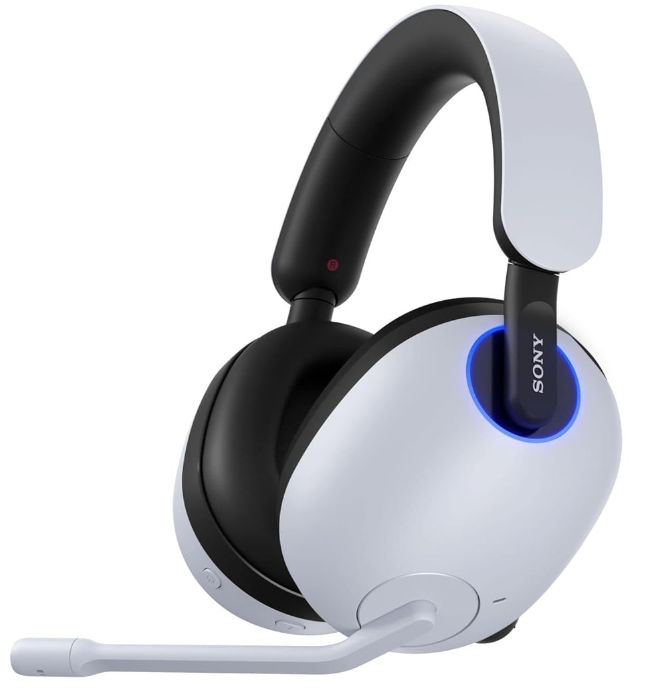
Premium wireless gaming headset featuring WH-1000XM6 drivers, active noise cancellation, and Fnatic-tuned audio profiles for competitive FPS gaming.
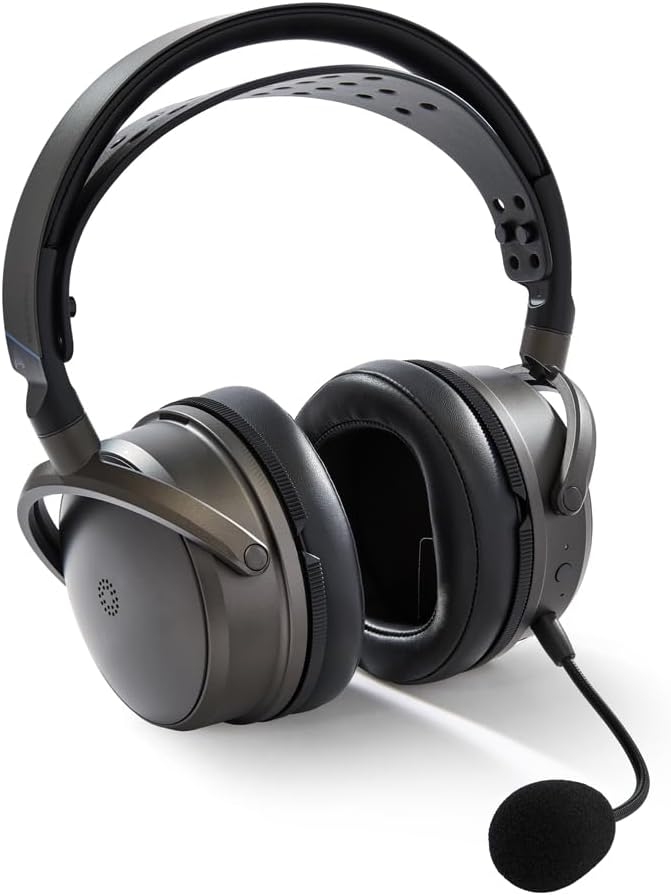
The Audeze Maxwell 2 evolution brings SLAM™ acoustic management, Bluetooth 5.3, and a redesigned comfort system to the world's best sounding headset.
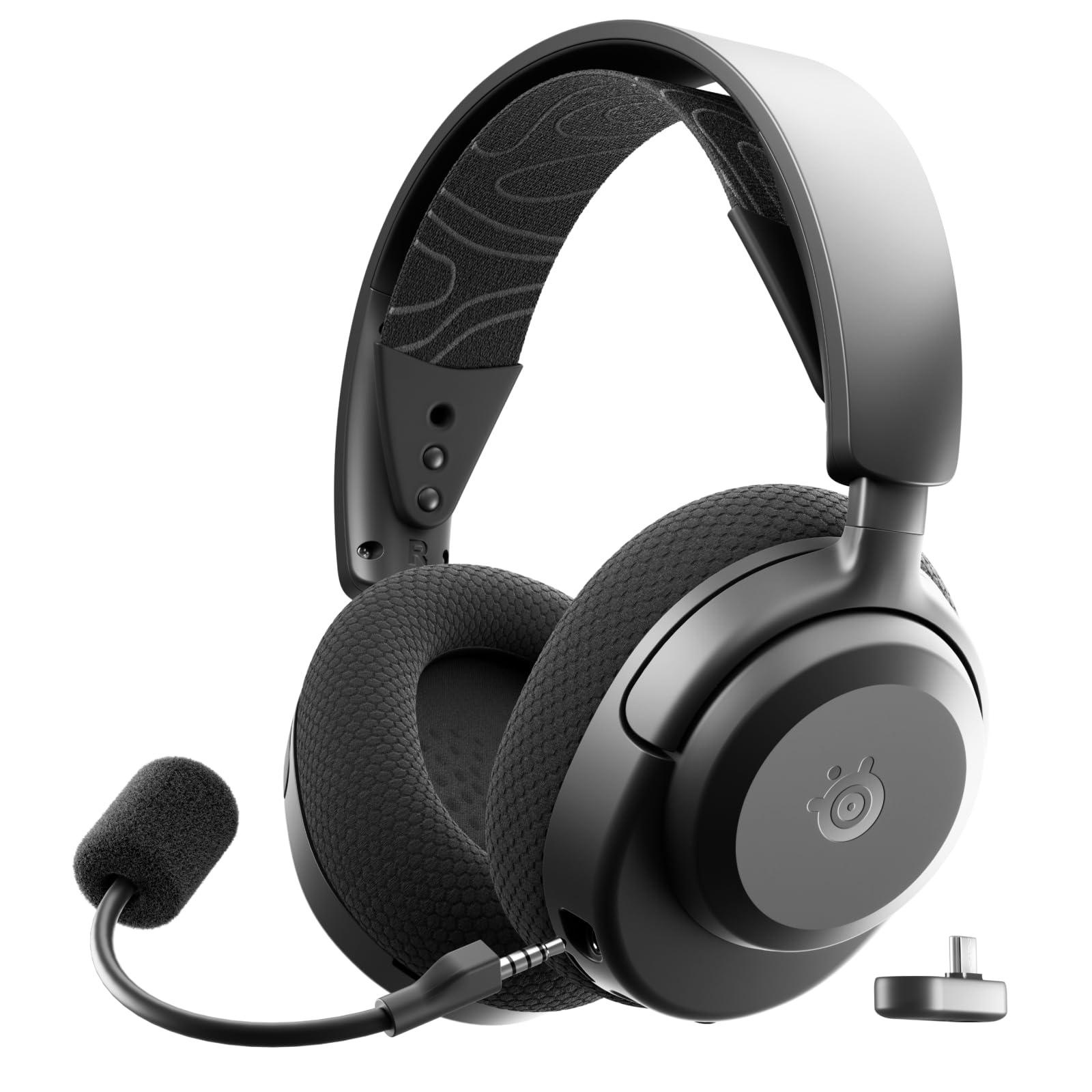
The SteelSeries Arctis Nova 7P Wireless Gen 2 delivers 54-hour battery life, simultaneous 2.4GHz and Bluetooth connectivity, and 200+ game-specific audio presets via the Arctis App for PlayStation, PC, and multi-platform gaming.
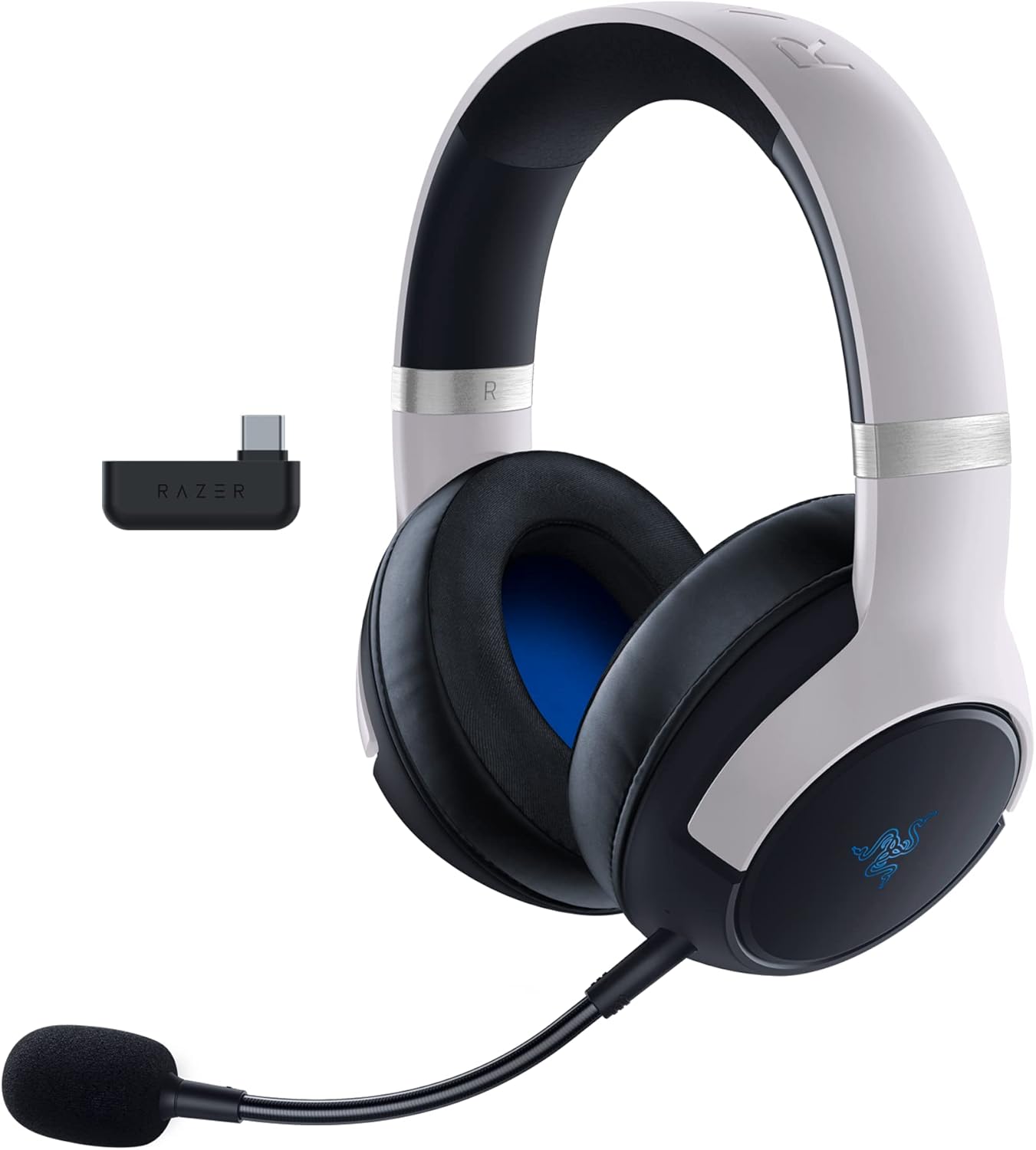
Wireless PS5 headset featuring Razer HyperSense haptic feedback, TriForce Titanium 50mm drivers, and dual wireless connectivity via 2.4GHz and Bluetooth with SmartSwitch technology.
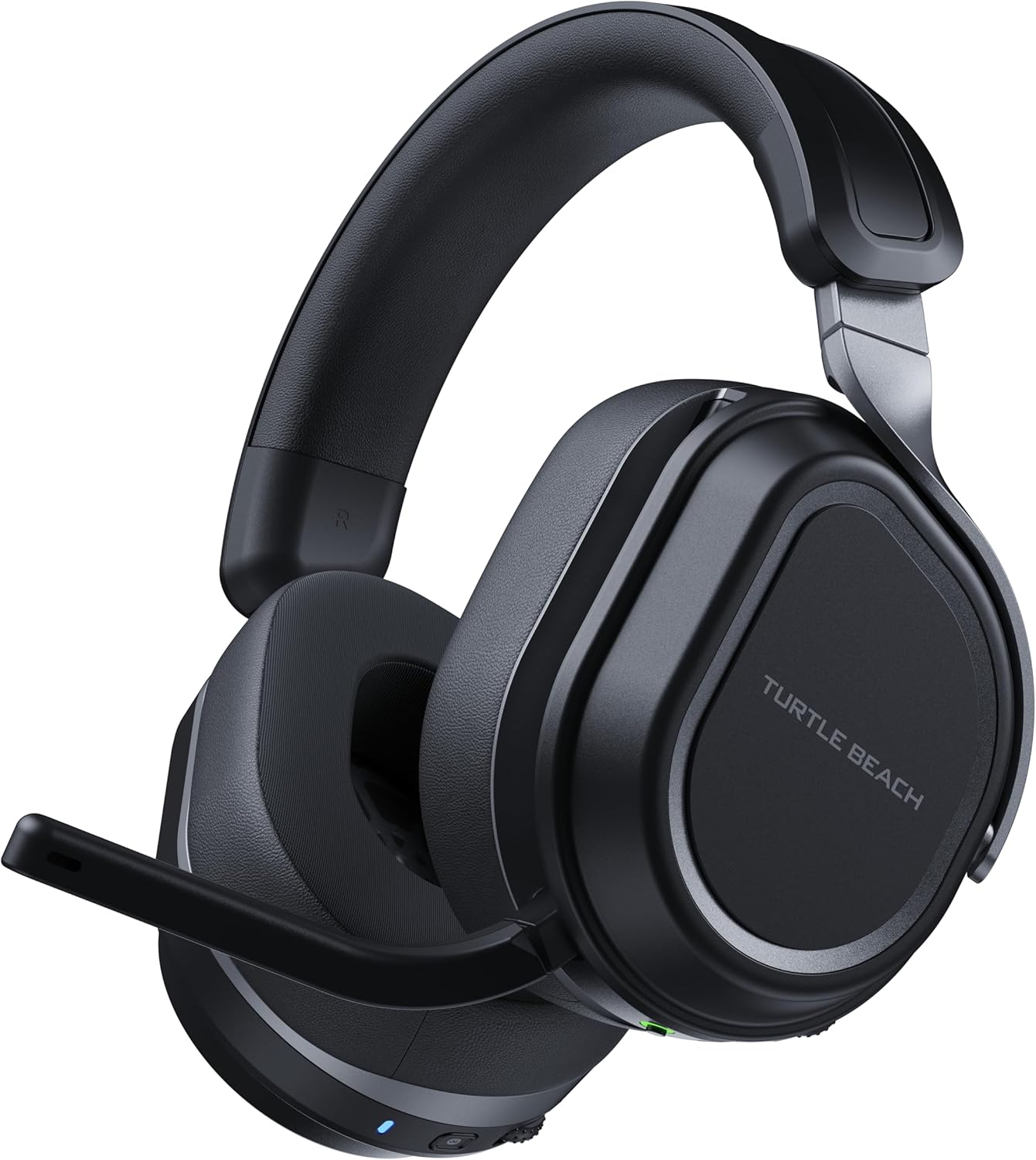
Premium multiplatform wireless headset with exclusive CrossPlay dual-transmitter system, massive 60mm Eclipse drivers, AI-powered noise cancellation, and industry-leading 80-hour battery life.

Richard Scott
Headset Expert & Web Developer
Web developer and lifelong gamer. Spends too much time on golf, hockey, and finding the right headset. Lives with a dog who has no opinions on audio quality.