Best EQ Settings for Competitive FPS Gaming
The default audio mix in CS2, Valorant, and Siege is not built for competitive play. Here's how to fix it.
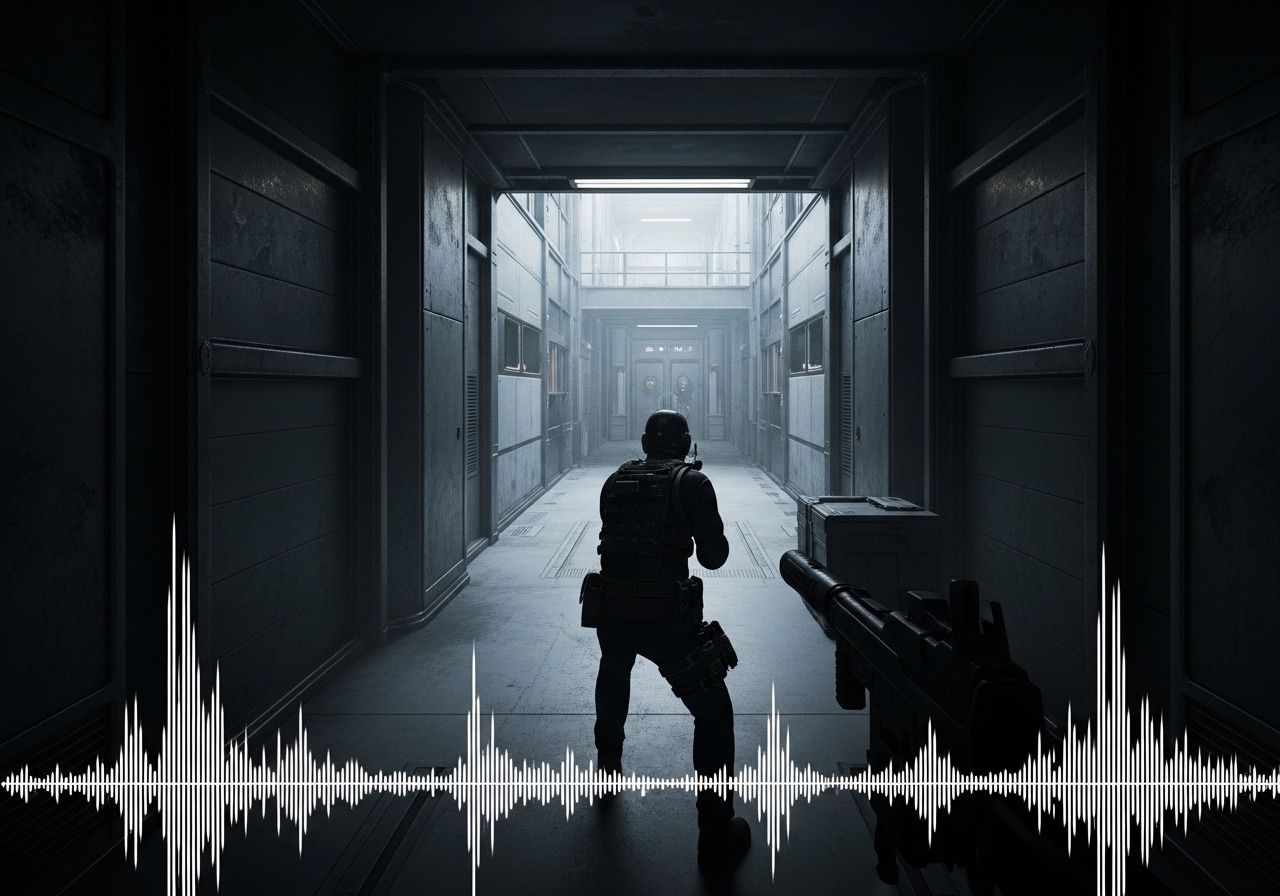
Games like CS2, Valorant, and Siege are not mixed for competitive play. They’re mixed for broad appeal—explosions hit hard, music fills the space, effects layer on top of each other. Footsteps, the audio cue that matters most in a round, get buried. EQ fixes that balance.
Why This Works
An equalizer adjusts the volume of specific frequency ranges independently. You’re not making audio louder overall—you’re redistributing where the emphasis sits. Footsteps live in the mid-to-high frequencies. Explosions and ambient rumble live in the low end. Boosting mids and pulling back bass gives footsteps room to come forward in the mix without touching master volume.
The competitive advantage is real. Hearing a footstep a half-second earlier is the difference between pre-aiming a corner and reacting to it.
The Frequency Breakdown
Three ranges matter for competitive FPS:
Sub-bass and bass (below 250Hz): This is where explosions, gunfire body, and ambient environmental noise live. It’s the range that sounds impressive on first listen and masks everything underneath it in a match. Cut this down. You don’t need it.
High-mids (2kHz–4kHz): Footsteps, reload clicks, ability cues, and most directional sound information sit here. This is the range to boost. Human hearing is also naturally more sensitive around 4kHz, so even small increases here are noticeable. Boost it.
High frequencies (above 8kHz): Leave this alone for the most part. Boosting too high causes listening fatigue fast, and it doesn’t add meaningful competitive information. If anything, a slight reduction here makes long sessions more comfortable.
The core move: cut low, boost high-mids. Everything else is fine-tuning for the specific game.
Game-by-Game Starting Points
CS2
Aggressive low-end cut to surface subtle footstep audio. Strong high-mid boost for directional clarity.
CS2’s audio engine is well-regarded for positional accuracy, but the default mix still has more bass presence than competitive play needs. The goal is footstep clarity—specifically the shuffle and surface texture sounds that indicate direction and distance.
Cut the low end more aggressively here than you might in other games. CS2 footsteps are relatively subtle by design, so the high-mid boost needs to be meaningful to compensate. The in-game “Crisp” EQ profile is a decent starting point before moving to external software.
Valorant
Moderate low-end cut with high-mid boost. Slight high rolloff to reduce fatigue from layered ability sounds.
Valorant’s audio mix is louder and more layered than CS2’s. Ability sounds compete directly with footstep audio, which creates a masking problem in chaotic rounds. The approach is similar—cut low, boost 2kHz–4kHz—but also consider pulling back slightly above 6kHz, since Valorant’s higher-frequency sounds can become fatiguing at extended session lengths.
The spike plant and defuse sounds have distinct audio signatures that benefit from this tuning as well. Cleaner mids make round-critical cues more distinct, not just footsteps.
Rainbow Six Siege
Most aggressive low-end cut of the three. Breach and explosion sounds are significantly louder relative to footsteps in Siege.
Siege has the most complex audio design of the three. Destruction, breach sounds, rappel cues, and footsteps on different flooring surfaces all compete in the same frequency space. The directional accuracy of the audio engine is strong—the problem is that the mix gives similar weight to sounds with very different tactical importance.
The high-mid boost applies here, but Siege benefits more from the low-end cut than either CS2 or Valorant. Breach and explosion sounds are significantly louder relative to footsteps in Siege. Pulling bass down aggressively is what gives footsteps room to come through walls. (Looking to upgrade your hardware? Check out our guide on the Best Headsets for Rainbow Six Siege).
SteelSeries Sonar Presets
SteelSeries Sonar is free software that works with any headset—not just SteelSeries hardware. It’s worth downloading for the preset library alone.
Sonar has over 200 game-specific EQ profiles, and the competitive ones were built with actual pro players. The CS2 preset was developed with FaZe Twistzz. The Valorant preset was built with FaZe babybay. These aren’t marketing partnerships where someone signed off on a logo—the presets reflect how those players actually tune their audio for competitive matches.
Use the preset as your starting point. From there, adjust the high-mid range based on what you’re hearing in a custom lobby. Walk a friend around you, listen for where the footstep audio sits in the mix, and tweak from there. The preset gets you 80% of the way; the last 20% is personal calibration.
One practical note: turn Smart Volume off. It compresses quiet sounds dynamically, which is the opposite of what you want—footsteps are quiet sounds, and Smart Volume will reduce them in exactly the moments they matter.
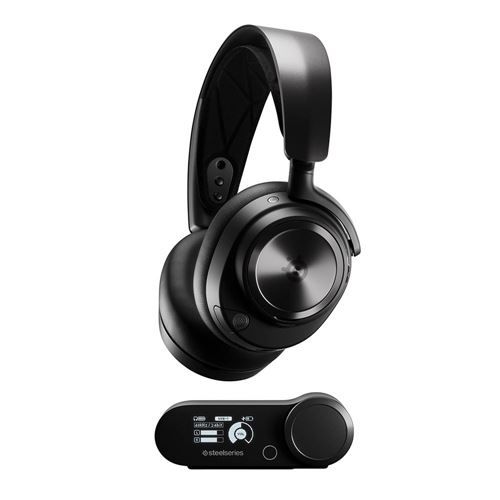
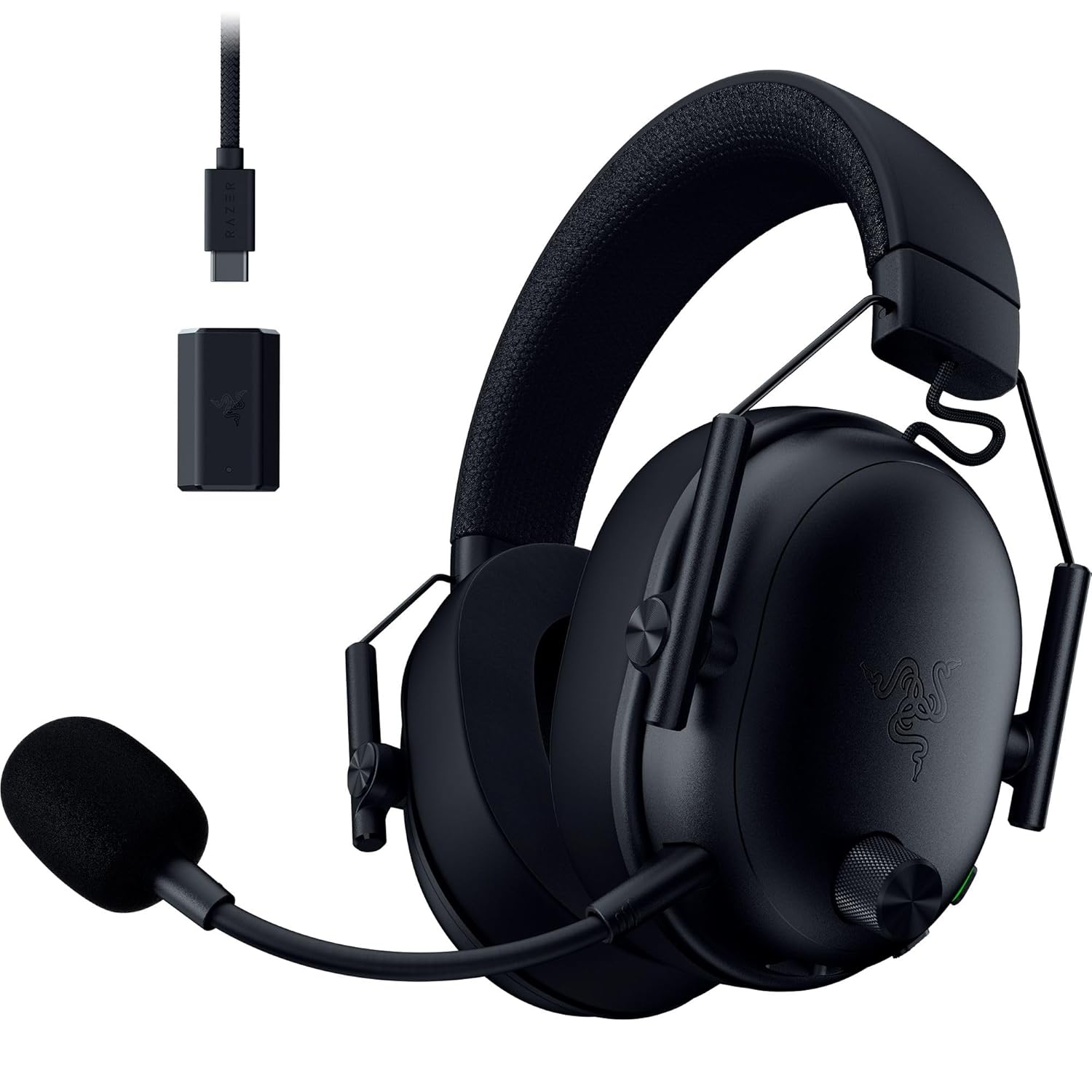
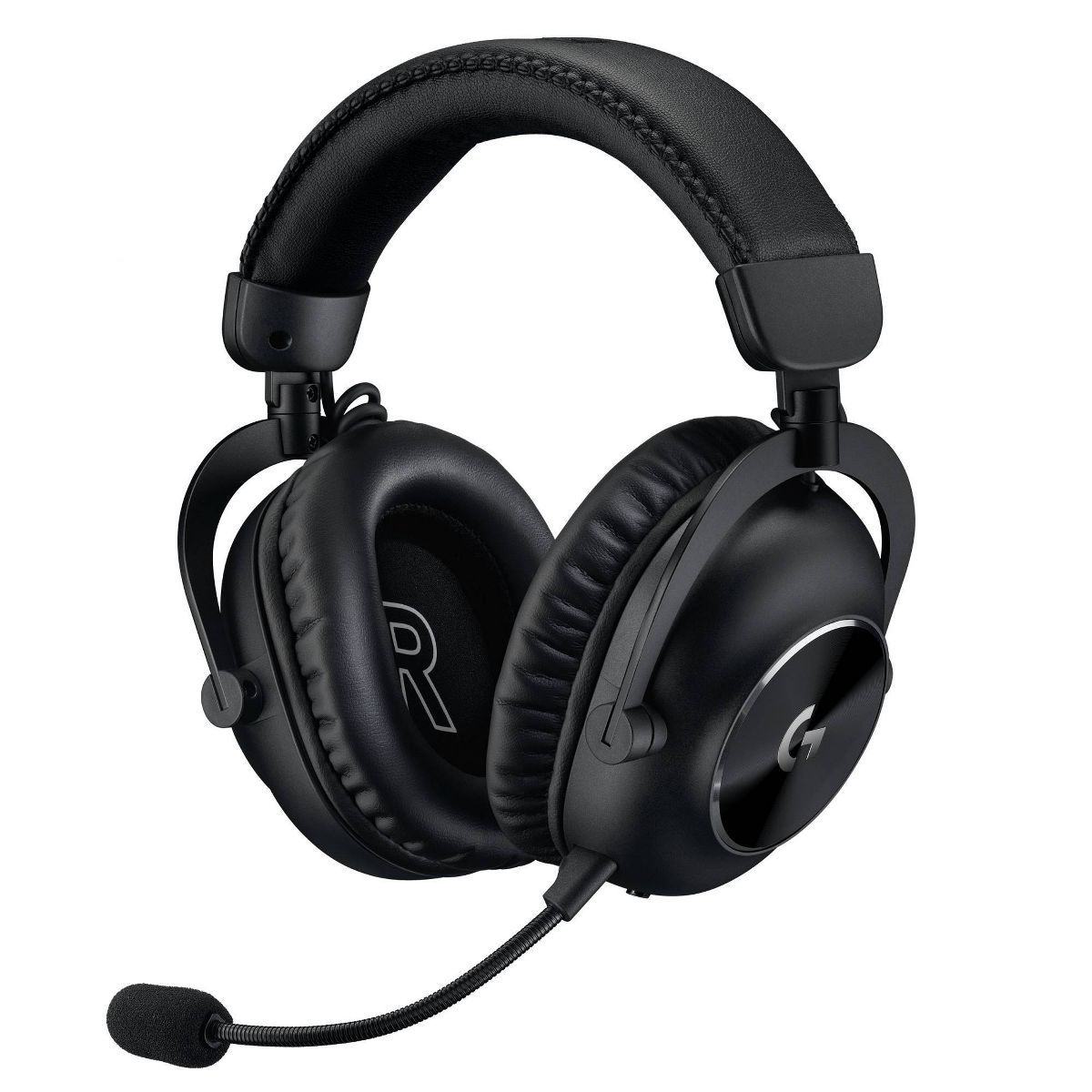
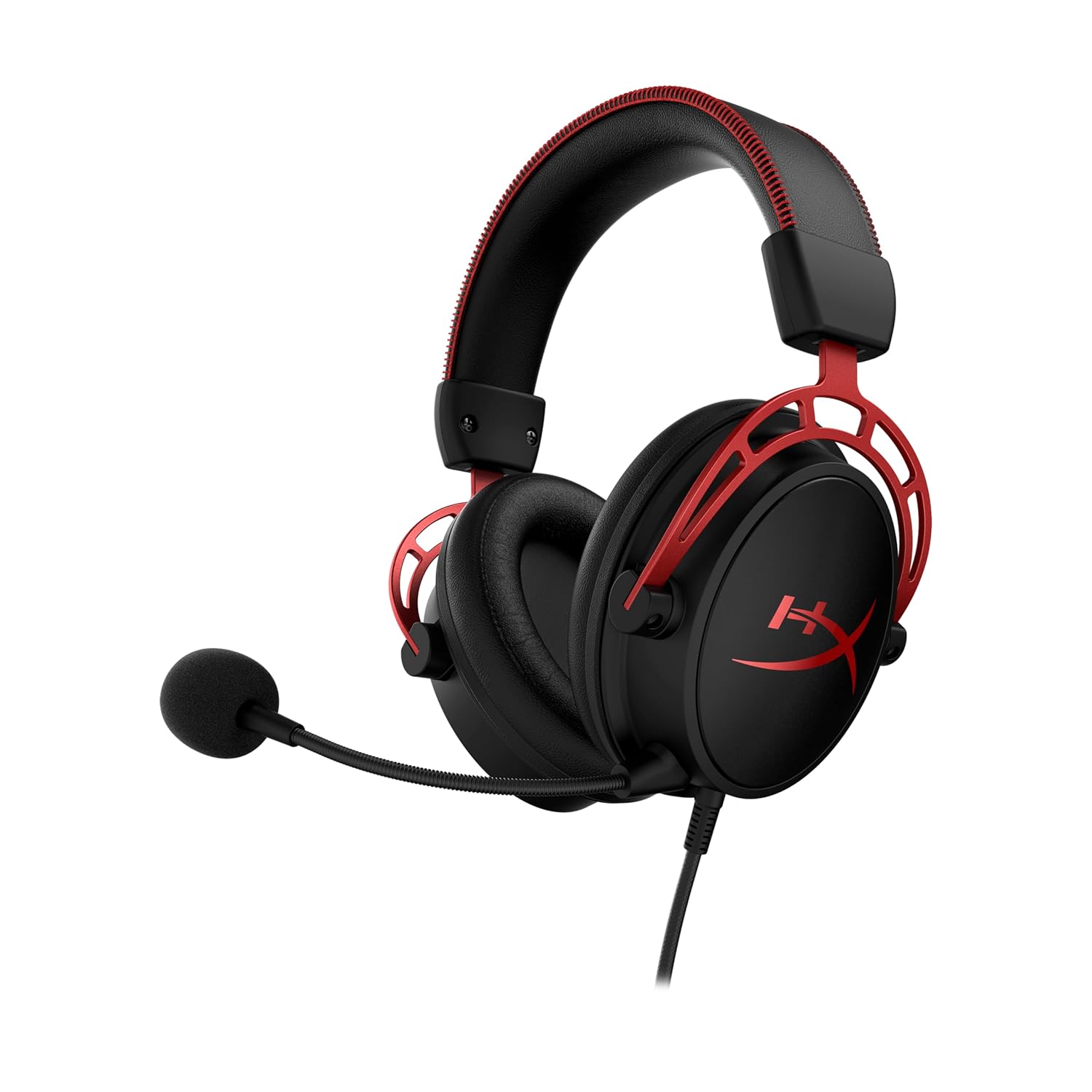
Top 5 Competitive FPS Headsets
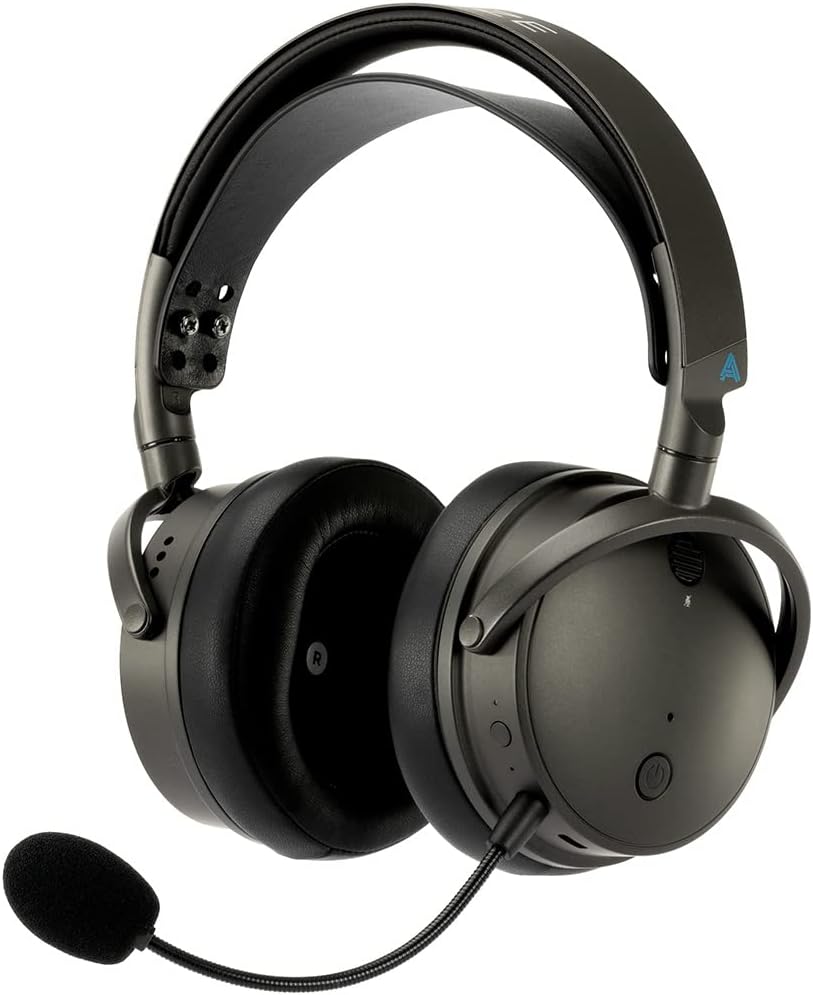
Headset selection matters here because EQ tuning only works as well as the drivers resolving it. A headset with a narrow soundstage will compress the positional detail that good EQ is trying to surface.
Top 5 Competitive FPS Headsets
The best hardware for positional audio and zero latency.
The Bottom Line
Default game audio is not competitive audio. The mix is built for the average player having an average experience—explosions are satisfying, music is present, everything sounds full. Tuning your EQ cuts the fat and puts footsteps where they belong: front and center.
Start with a Sonar preset for your game. Cut the low end, boost 2kHz–4kHz, turn Smart Volume off. Test it in a custom lobby before ranked. Adjust based on what you hear, not what looks right on the EQ graph.

Richard Scott
Headset Expert & Web Developer
Web developer and lifelong gamer. Spends too much time on golf, hockey, and finding the right headset. Lives with a dog who has no opinions on audio quality.