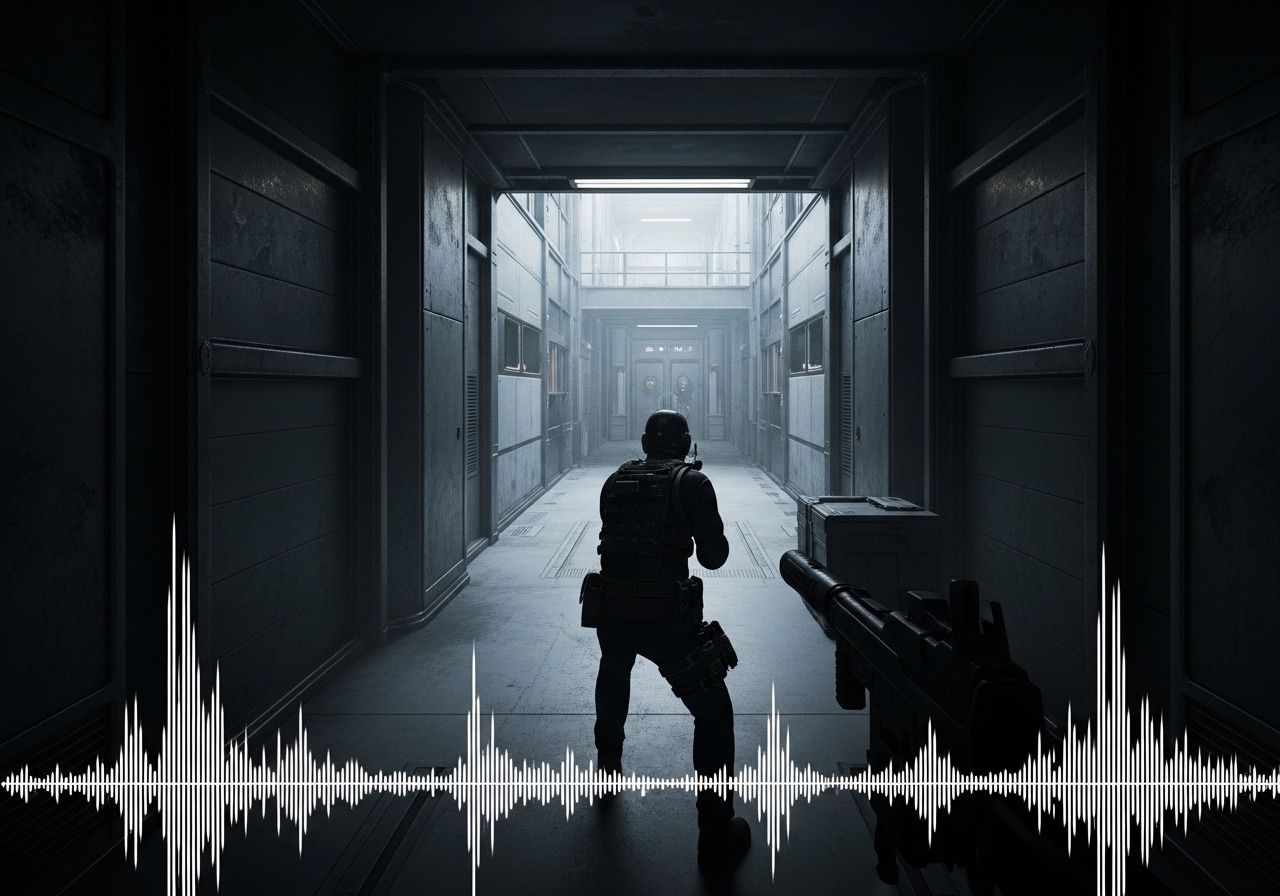
Best Audio Settings for Arc Raiders
Arc Raiders has elite positional audio — but the defaults are working against you. Here are the in-game settings, EQ adjustments, and headset picks that actually matter.
Arc Raiders has some of the best positional audio in any extraction shooter right now — and most players are leaving it on defaults, which actively works against them. The game ships with Night Mode off, Proximity Voice Chat at 140%, and Music Volume at 100% during raids. Those three settings alone are costing players audio information on every run.
Before touching anything in-game, kill all Windows audio enhancements. Disable Spatial Sound in Windows, and turn off virtual surround in your headset software — Sonar, iCUE, Synapse, whatever you’re running. Arc Raiders renders its own HRTF-based positional audio internally. Stacking a second spatial processing layer on top degrades it. Set your output device manually to your headset. Do not leave it on System Default.
In-Game Audio Settings
Arc Raiders
Optimal Audio Configuration
 source: goopfinder.com
Audio Settings
EQ Tuning
Night Mode On or Off in Arc Raiders
Night Mode compresses dynamic range. Loud sounds — explosions, your own gunfire — get quieter. Quiet sounds — footsteps, loot clinks, zip lines — get louder. The tradeoff is that the full cinematic soundscape gets flattened, and the vertical audio issues in multi-story buildings become harder to read.
The community is genuinely split, and both sides have a point. Running solo or duo and sweating extractions — Night Mode on. Running casual squads where ambient immersion adds to the experience — test it first. Dam Battlegrounds is the right place to benchmark because the ARC patrol patterns are consistent enough to measure what you’re actually hearing.
EQ Settings
Arc Raiders does not have a built-in EQ. Frequency adjustments happen at the headset software level. Footstep impacts fall roughly in the 200–500 Hz range for heavy boot contacts and 1–3 kHz for lighter movement and surface texture cues. For a deeper dive into tuning your frequency mix, check out our Competitive FPS EQ Guide.
SteelSeries Sonar (parametric EQ): Boost 1–3 kHz by +3 to +4 dB. Pull 100–200 Hz down by –2 dB to reduce low-end mud from ambient wind and ARC machine rumble. Keep the high shelf flat — the game’s treble is already clean.
Razer THX Spatial / iCUE / Generic Software EQ: Same logic. Footsteps live in the mids. Boosting sub-bass expecting louder footsteps is a mistake — you’ll bury the cues under ARC machine noise.
No software EQ: Windows 11 has a basic EQ under Sound Settings → Advanced → Enhancements. For full parametric control, EQ APO with the Peace interface is free and gives per-band adjustment down to the Hz. Boost 1–3 kHz, pull 100–200 Hz, leave everything else neutral.
Do not add any external spatial processing layer on top of what Arc Raiders is already doing. Dolby Atmos for Headphones, Windows Sonic, and headset-level 7.1 virtual surround all interfere with the game’s internal HRTF. Adding a second spatial processor actively makes the positional audio worse.
Headset Recommendations
Arc Raiders rewards stereo imaging over virtual surround. The game handles spatial audio internally — the right headset is one with a flat enough response to not color footstep frequencies and a wide enough soundstage to let the game’s positioning do its job.
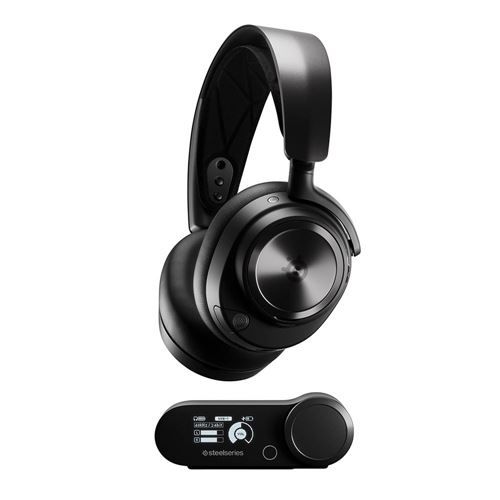
Best overall: SteelSeries Arctis Nova Pro Wireless. Sonar’s parametric EQ can be saved per-game, the 40mm Tesla drivers have a flat enough response to avoid coloring footstep frequencies, and the hardware GameDAC outputs cleanly without relying on motherboard audio. The dual hot-swappable battery system matters for extraction shooters — mid-raid low battery means a 10-second swap, not a session-ending charge.
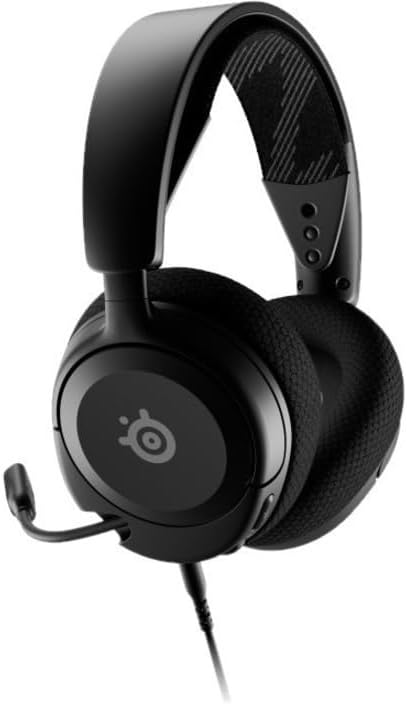
Best budget: SteelSeries Arctis Nova 1. Wired, 3.5mm, 236g. At $60 it’s the cleanest value-per-dollar option for this game. The stereo imaging on the 40mm dynamic drivers is accurate enough that you’re not missing positional cues relative to more expensive options.
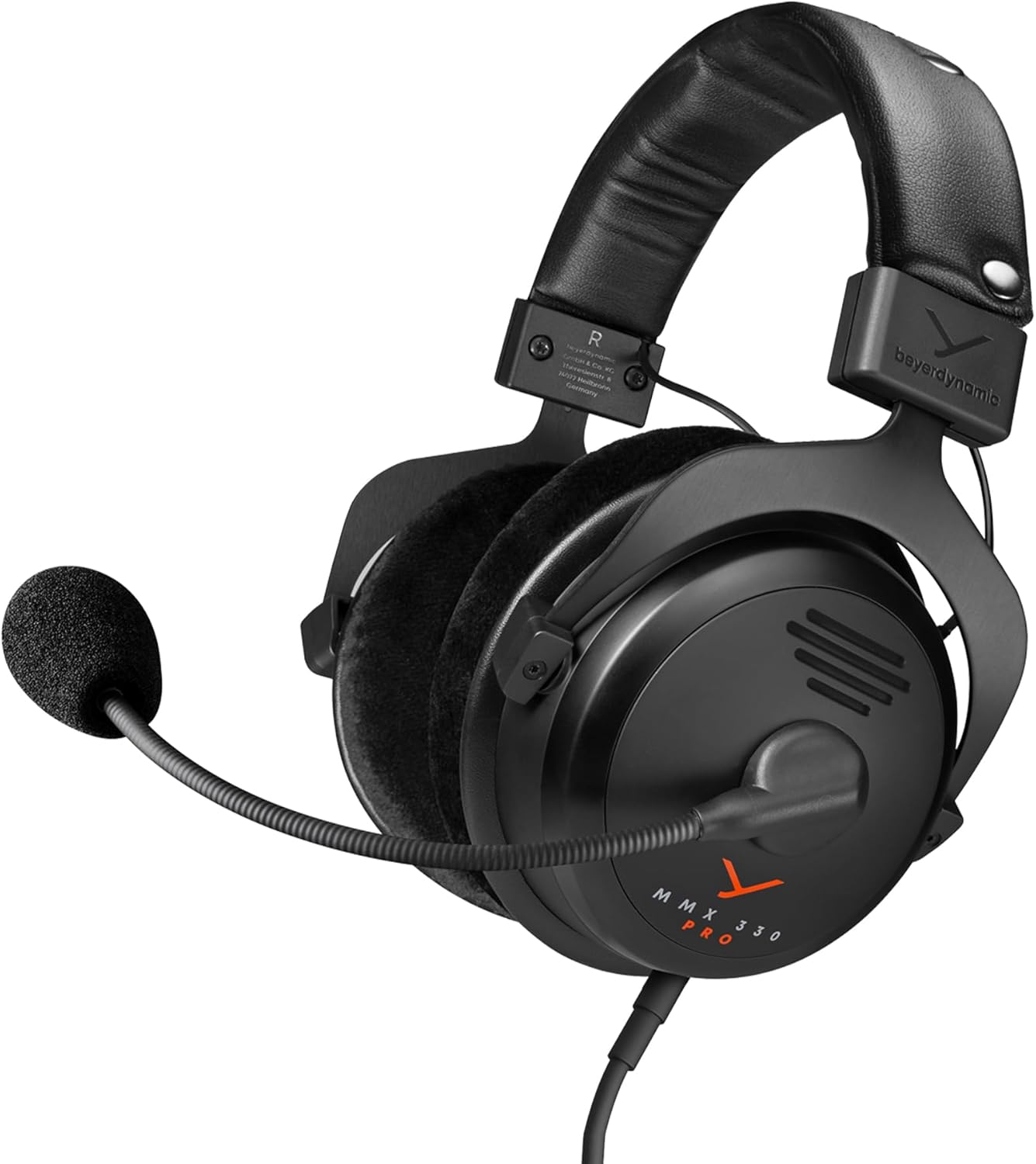
Best for soundstage: Beyerdynamic MMX 300 Pro. Open-back design gives the widest soundstage for positional audio without software processing. No wireless, no frills — purely about what you hear.
Recommended Gear
As an Amazon Associate, we earn from qualifying purchases. This helps support our detailed gear research and guide creation at no extra cost to you.
The Bottom Line
Set Output Mode to Stereo / Headphones, turn Night Mode on, zero out Music Volume, and drop Proximity Chat from 140% to 100%. Those four changes take under a minute and immediately improve audio information density per raid. Everything after that — EQ tuning, headset selection — is squeezing the remaining margin.
Arc Raiders’ audio engine is doing most of the work already. The settings above stop the defaults from getting in the way of it.

Richard Scott
Headset Expert & Web Developer
Web developer and lifelong gamer. Spends too much time on golf, hockey, and finding the right headset. Lives with a dog who has no opinions on audio quality.